Secure inference,
models and training
as they run
Stealthium makes the GPUs, runtimes and frameworks your AI depends on observable, secure and controllable. In real time, from the silicon to the workloads.
Built with the AI infrastructure ecosystem









What can you really see as your AI runs?
Visibility for your AI runtime needs to be more than utilization.Security starts with understanding, in real time, what’s executing, who launched it and who’s sharing your AI infrastructure.When utilization metrics are all your team has, how would you know you’re under attack?
A Root Shell
Read the researchMalicious
model edits
Read the research Isolation on paper,
not in practice
Read the research Stolen
inference compute
Read the research 
See Stealthium in action
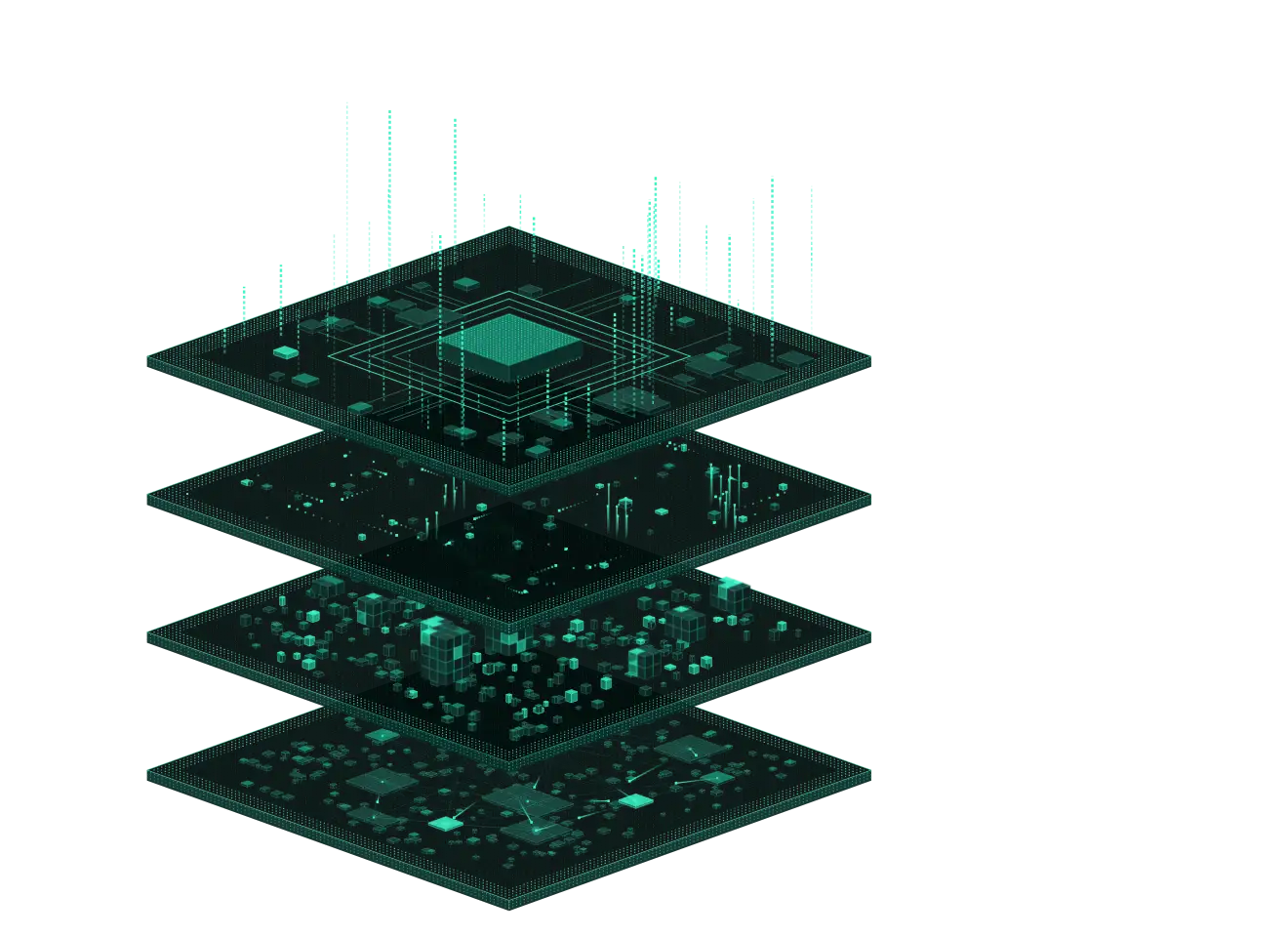
One agent: secure your AI runtime stack

Every event attributed
Each GPU event is resolved to the process, container, pod, namespace and node behind it. On its own, the GPU has no idea which container is talking to it. Stealthium does.
Deep GPU telemetry
Signals include SM and tensor activity, DRAM bandwidth, kernel launch rate, UVM allocation and eviction, per-link NVLink health, ECC, thermals and power.
Tenancy topology
See which MIG instances sit on which card, which processes hold contexts on which devices, and who can reach whom.
Waste surfaced
Find GPUs that are held but idle, jobs that never end and workloads nobody approved, per container and per GPU.

Driver and firmware
Privilege-escalation primitives, raw driver calls that bypass CUDA, and known-vulnerable driver, VBIOS and CUDA versions.
GPU memory
Abusive VRAM allocation patterns, reads of residue left by other tenants, bulk exfiltration and Rowhammer precursors.
Containers and virtualization
Abuse of NVIDIA Container Toolkit hooks, namespace escapes and KVM guest-to-host escapes.
Training integrity and abuse
Checkpoint and dataset tampering, cryptomining and GPU ransomware patterns.

Kill at the boundary
Terminate the offending process or vCPU thread before the exploit completes.
Revoke GPU access
Pull a container's access to the GPU and freeze it, leaving the rest of the node running.
Evict and wipe
When it is warranted, evict every process holding the GPU and wipe its VRAM.
Automation where it matters
VM escapes, NVIDIA privilege escalations and cross-tenant memory access are mitigated automatically. Everything else can be run from the alert or by policy.

Compute Health
Insight into whether your fleet is healthy. Degraded cards, failing links and jobs that never end show up before they cost you downtime.
Posture Status
Insight into how well configured your stack is. The hardening you set up is compared with what is actually running, so drift is visible instead of assumed.
Isolation Assurance
Proof that your stack is isolated. Cross-tenant memory reads, container escapes and timing probes between neighbours alert the moment they happen.
Runtime Score
Insight into how many runtime alerts have been dealt with. What was detected, what was remediated and what is still open, counted over time.
Make your AI runtime
observable, secure and controllable
For AI teams and the GPU clouds they run on
Get AI through the security review with evidence
Infrastructure, security and audit each need an answer before a pilot reaches production.
Stealthium gives all three the same runtime record of what ran on the GPU.
Isolation provenCompare the isolation you configured with what actually executed on the hardware.
Spend accounted forFind GPUs held but idle, jobs that never end and workloads nobody approved.
Into the SOC you already runDetections route to your SIEM with the container, pod and tenant attached.

Start securing your AI runtime stack today
Runtime security begins with seamless deployment.
One lightweight agent
Your infrastructure
Your existing ecosystem
Found first, providing protection first
Our researchers hunt for vulnerabilities in accelerator drivers, popular AI toolsets and open-source frameworks.
We disclose to the vendor and ship detections to customers before a CVE is published or patch provided.
25+
Critical and High AI stack vulnerabilities found by Stealthium.
Customers have detections for every one of them.
NvRoot (CVE-2026-47591) and ForgePtr (CVE-2026-47501) were patched by NVIDIA on 30 September 2026.
Stealthium customers had detections before either CVE was published.
Why our research matters


AI is only as secure
as the layer it runs on
See what is running on your GPUs, and stop what shouldn’t be.